A till that does not care whether the router is up
This is the whole design decision, stated once: nothing involved in taking a customer’s money touches the network. Everything else in InFastPOS follows from that.
A single SQLite file under your Windows profile, written synchronously in write-ahead-log mode. A sale is on disk before the receipt finishes printing.
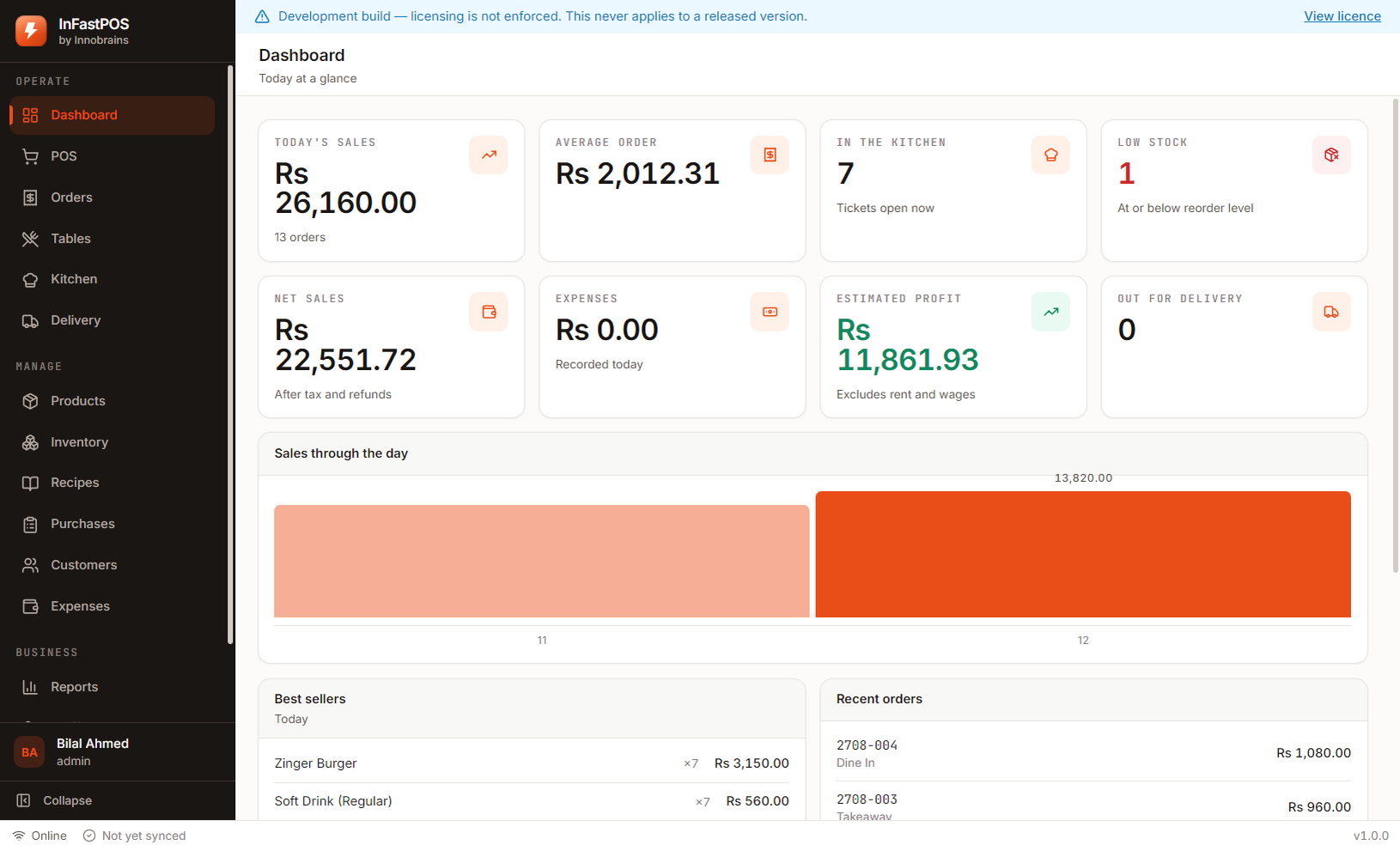
Screens read from local storage, so a product grid appears in milliseconds whether the connection is perfect, terrible or entirely absent.
Completed orders queue for upload and retry with a growing delay. Each carries an identifier the server recognises, so a retry after a timeout can never record the same sale twice.
Activation fetches a signed file once. After that the software checks that signature against a key built into it, so a month with no connection changes nothing.
What still wants a connection
Being precise about this matters more than claiming everything works offline.
| Activating your licence | Once, at setup. Never again unless you move to a new computer. |
|---|---|
| Cloud backup | Only if you turn it on. Local backups need nothing. |
| Downloading an update | Only when you ask. The current version keeps running regardless. |
| Everything else | Local. Orders, printing, stock, recipes, reports, staff, cash. |
Questions about running offline
What if the power goes out mid-order?
The order being typed is lost; every completed sale is not. Writes are synchronous, so a sale that printed a receipt is already on disk.
How long can it run with no connection at all?
Indefinitely, until the licence term ends. There is no periodic check-in that quietly disables the software.
If everything is local, how do I see figures from home?
Turn on cloud sync. Completed orders upload when a connection exists and can be read from the web console — but the till itself never depends on that having happened.
15 days, the whole product, no card
Install it on the counter, load the sample shop to see every screen with realistic figures, then clear it and enter your own menu. If it does not suit your shop, you have lost an afternoon and nothing else.
Download InFastPOSAlready bought InFastPOS? Sign in to get your licence key and installer.